Now we work on the fw-1 virtual machine. First let’s try to see with the -vga qxl definition, which video driver qemu will give us in the kernel. You run this command:
sudo lspci -nnk|sed -n '/VGA/,/Kernel modules/p'

Oh so the qxl video driver is available. The remaining is X must handle kernel modesetting. This is done by X qxl driver. But we have to tell it. You configure as below:
sudo tee /etc/X11/xorg.conf.d/10-qxl.conf << EOF
Section "ServerLayout"
    Identifier     "Default Layout"
    Screen      0  "Screen0" 0 0
EndSection

Section "Device"
    Identifier  "Videocard0"
    Driver      "qxl"
EndSection

Section "Screen"
    Identifier "Screen0"
    Device     "Videocard0"
    DefaultDepth     24
    SubSection "Display"
        Viewport   0 0
        Depth     24
        Modes "1360x768"
    EndSubSection
EndSection
EOF
The default video mode is 1360×768. You can replace with other mode as needed in the list of supported video modes.
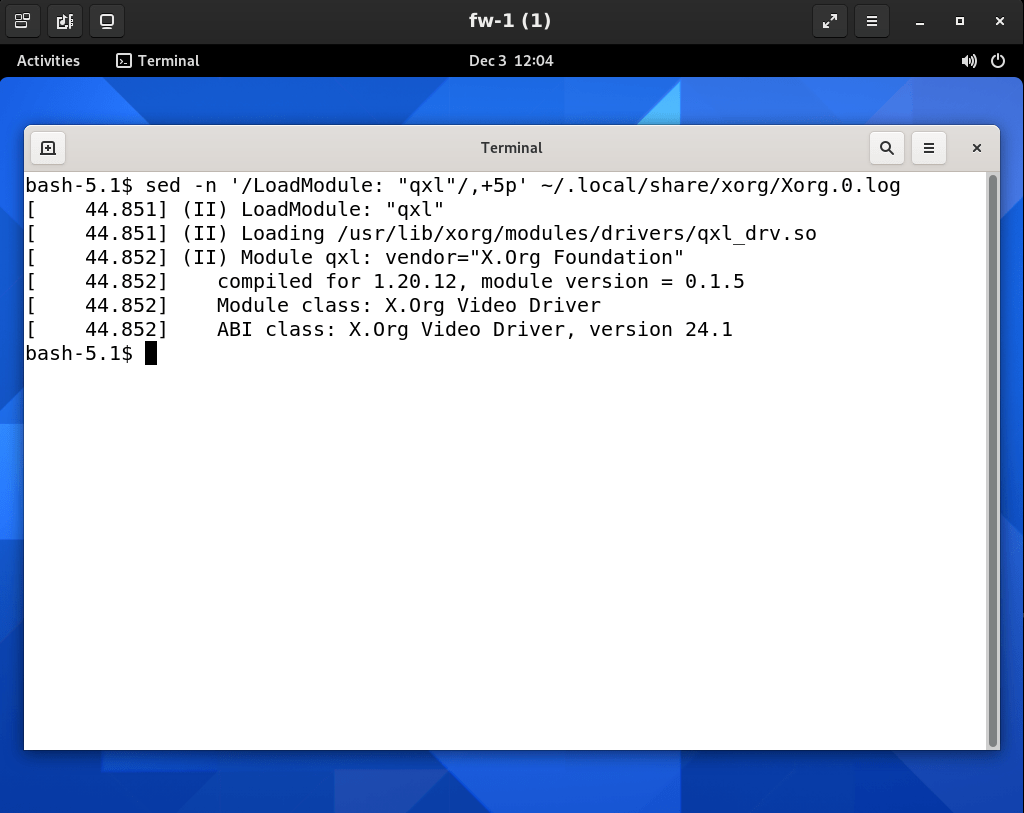
The following command extracts six lines in the X server’s log at while load X qxl video driver:
sed -n '/LoadModule: "qxl"/,+5p' ~/.local/share/xorg/Xorg.0.log
 Artificial Intelligence Kiosk